XWFRT 0.0.4.6 released

New in this version is the ability to attach one or more external files to your report.

This includes things like XWF registry reports (as seen below). You can include any kind of file to the report in this manner. HTML files will be viewable directly in the browser.

The screenshot below shows 2 registry reports being added as external files.

ExternalItem1

And here we see what the report would look like as a result of including the files.


ExternalItem2

XWFRT now available

More to come and i am sure someone will break it, but for now, here it is!


https://www.dropbox.com/s/6labcj537jlxnzz/XWFRT.exe


kick it around and email me with any bugs or suggestions

Coming soon…X-Ways Forensics Report Tweaker, or XWFRT for short

Ever generate a report in XWF and ended up with more than one Report*.html page? Ever been stymied by the fact that those handy menus at the top don’t link to anything outside the main Report.html page?

Yea, me too, but no more!

This isnt quite done yet, but its close. here is an overview and some screenshots. In my testing, reports get tweaked in less than a second or 2 for a 9 page XWF report.


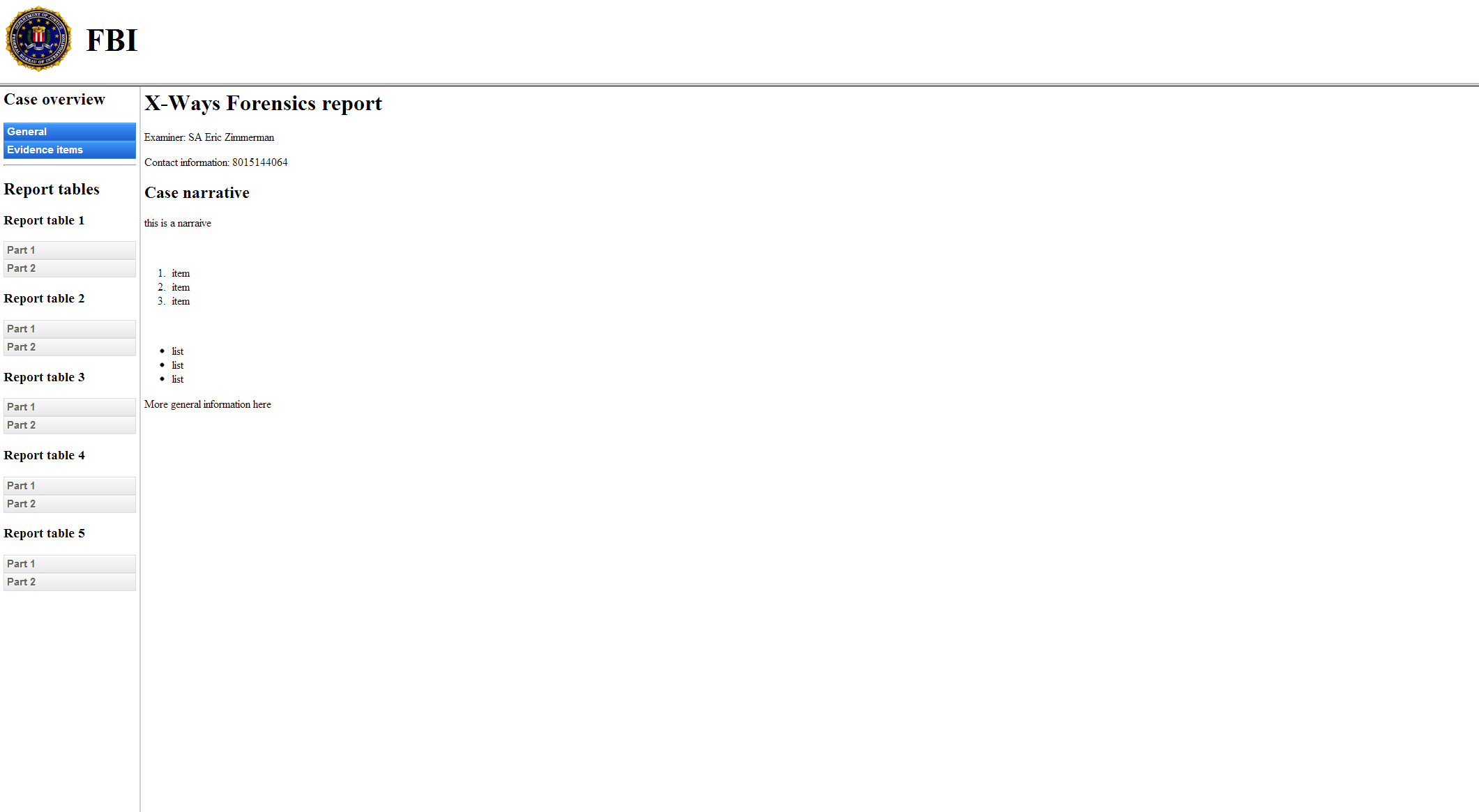
Here is what the main interface looks like. Basically, choose the case file, choose the directory where you exported your report to, set some other option information (like who you are, your agency, a logo), write a narrative (if you want) and TWEAK!

3-27-2013 9-45-40 AM


The Narrative is nice because it supports HTML, so if you wanted to get crazy and write up a nice, fancy report with lists and stuff to include in your report, go for it!

The items at the top, like the logo and the agency, arr taken from what you enter in XWFRT

3-27-2013 9-45-51 AM


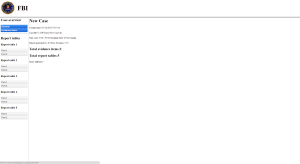
The menu on the left contains items for general case info, all evidence items and, if present, audit trail information. Clicking a menu loads the relevant section into the main part of the window (the General tab is shown below).
3-27-2013 9-45-54 AM


here we see the evidence items page

3-27-2013 9-45-57 AM


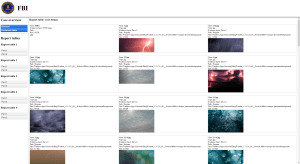
and finally, clicking on a report table page.
3-27-2013 9-46-02 AM


I have a bit more polish to put on this thing before i release the first version to include having a setting in the GUI to control the max # of items on a report table page. For example, if you exported 1500 images in report table “Foobar” and set the max per page in XWFRT to 500 items a page, you would get Part 1, Part 2, and Part 3 links under the “Foobar” heading.


Oh yea, the entire look and feel is all controlled by CSS, so you can, by editing one simple file, completely change the look and feel of the report to suit your department’s needs (colors, layout, borders, EVERYTHING)


What else does the community want to see this thing do?
XWFIM updated

Just pushed version 0.4.3 out.


This version will now track the last selected version as opposed to always defaulting to the newest available version

I also added a check on startup for any new updates for the last version you selected. That way you will know as soon as you start XWFIM whether there are updates or not.

Finally, i fixed a (stupid) bug related to mplayer install when doing a new or clean install.


please report any issues to me here or via email and I will get em fixed ASAP!

X-Tensions, what would you like to see it do?

Do you have any ideas for an X-Tensions based plugin in X-Ways? if so, post it in the comments! I have a few ideas for the advanced chapter which includes X-Tensions, but want to hear from the community as well.

Chapter 6 is wrapping up!

Chapter 6 is all about searching in X-Ways Forensics. Chapter 6 has the following sections:

  • Introduction
  • Simultaneous Search
  • Regular expressions
  • GREP and regular expressions in XWF
  • Indexed search
  • Reviewing search hits
  • Text search
  • Hexadecimal search
  • Shortcuts
  • Conclusion

As of right now, the chapter is 52 pages long and consists of 9,041words.

UPDATE: The chapter is to tech review and weighs in at 54 pages consisting of 9,660 words.

Talking about XWF in the CTIN Digital Forensics Conference

XWF was presented in two sessions of the 2013 CTIN Digital Forensics Conference.  Pete Donnell of the Washington AG Office spoke on XWF Basics and I spoke on XWF Advanced Tips.  There was more than one person that decided to now use XWF as a bigger part of their forensic tools set.

You can see the XWF Advanced slidedeck here:  XWF

Chapter 3 is in tech review!

We just submitted our biggest chapter yet (over 60 pages!) to our technical editor. Once he is done with it, its off to the publisher!

X-Ways Forensics Install Manager

X-Ways Forensics Install Manager

Licensed users of  X-Ways Forensics can download Eric Zimmerman’s install manager (XWFIM) from the X-Ways Forensics support forum.   Eric’s creation of a GUI install application for XWF is really neat, minimizes the effort to configure your installation, and makes updates simple and quick.  Thanks to Eric!

X-Ways Forensics Practitioner’s Guide is coming!

Eric Zimmerman and Brett Shavers have started writing the “X-Ways Forensics Practitioner’s Guide”, due out toward the end of year 2013.

Check back as to when the guide will be available.   This guide intends to be the source of using X-Ways Forensics.